



You unplug your phone at 100% in the morning, expecting it to last the day. By midday, it’s already under 20%, and you haven’t even used it much. That’s usually when people start blaming apps, settings, or the charger. But in most cases, the problem is simpler than that. The battery itself is wearing out.
In real repair scenarios, this is where people waste time. They try quick fixes, closing apps, switching cables, while the battery keeps degrading in the background. A typical lithium-ion battery starts showing clear signs of battery health dropping after 300–500 charge cycles. After a couple of years, issues like fast drain, overheating, and unstable performance become hard to ignore.
This guide walks you through the exact mobile battery replacement signs, how to confirm what’s actually causing the problem, and when it makes more sense to replace the battery instead of the whole phone.
Quick Summary (TL;DR)
If your phone battery drains fast, shuts down before 0%, heats up, shows wrong percentages, charges slowly, swells, or the phone feels slower, it’s usually the battery, not the apps. Most batteries last 2–3 years (300–500 charge cycles). After that, performance drops. A replacement typically costs £20–£80 and can give your phone another year or two of normal use.
7 Indicators at a Glance
- Fast battery drain → act within 1–2 weeks
- Random shutdowns → fix immediately
- Overheating → urgent
- Battery percentage jumping → monitor, then act
- Slow charging → check within 2–4 weeks
- Battery swelling → stop using it now
- Phone slowing down → likely battery-related
How do I know if my phone battery is bad or just a software issue?
Most people get this wrong. They replace things they don’t need. Or keep tweaking settings while the battery is the problem.
- There’s a simple way to read it.
- If it comes and goes, it’s likely software.
- If it’s there all the time, it’s usually the battery.
Battery vs software: what actually matters
Software issues follow a trigger. An update. A new app. Sync running in the background. Drain shows up at certain times.
- A worn battery doesn’t follow patterns.
- It drops the same way all day. Idle or in use.
Check battery health.
- Above 80% with heavy drain? Look at apps or system.
- Below that? The battery’s already worn.
Quick checks you can do
- Check battery health in settings
- Use the phone for 2 hours → more than 25% drop isn’t normal
- Leave it overnight on Airplane mode → over 5% drop points to poor retention
- Try another cable and plug
- Remove recent apps → if it improves, it wasn’t the battery
Where people get it wrong
After an update, drain is common. Background tasks run for a day or two.
Give it 48–72 hours. If it’s still draining after that, it’s not software.
What actually happens to a mobile battery over time?
Batteries don’t fail suddenly. They wear down gradually.
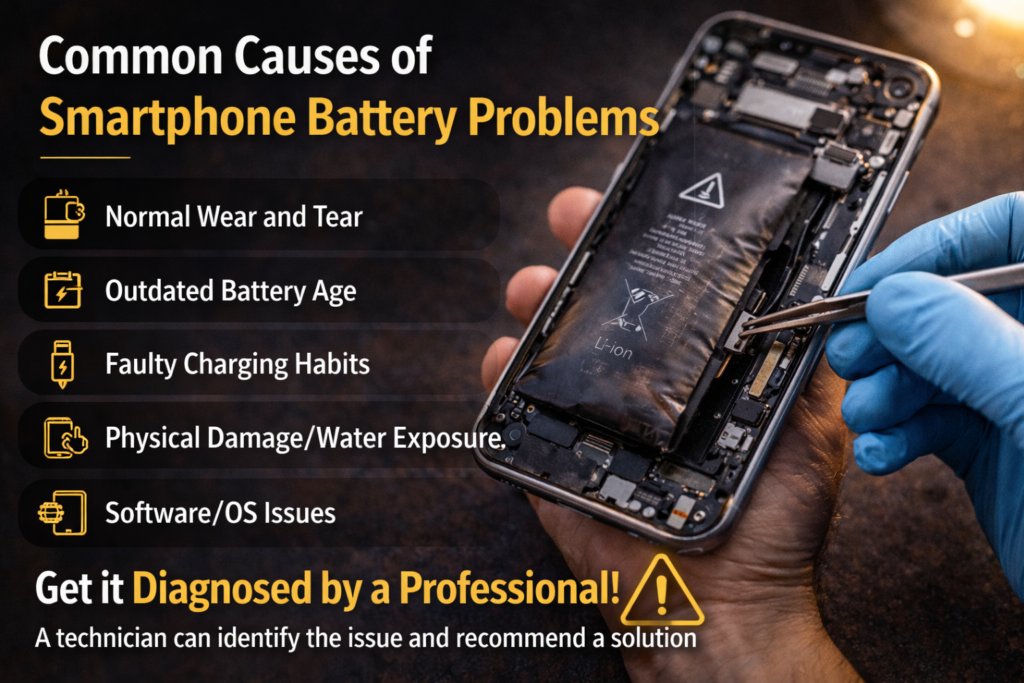
A lithium-ion battery moves energy between two layers. Each charge cycle causes small internal damage. At first, you don’t notice it. Over time, the battery holds less charge and drains faster. The system tries to manage it, but it can’t restore lost capacity.
Battery decline is steady:
- Early stage → little change
- Around 300 cycles → performance drops
- Around 500 cycles → noticeable issues
At that point, most phones sit around 70–80% capacity, where battery performance decline becomes obvious. Real usage is different from advertised claims. Bright screens, 5G, apps, and weak signals all increase power consumption.
Typical pattern:
- Year 1 → 7–8 hours
- Year 2 → 5–6 hours
- Year 3 → under 4 hours
This is normal behaviour, not a defect.
What speeds it up:
- Keeping charge near 100%
- Letting it drop to 0% often
- Heat during charging
- Cheap or unstable chargers
THE 7 INDICATORS
| 01 | Why is my phone battery draining so fast even with light use? |
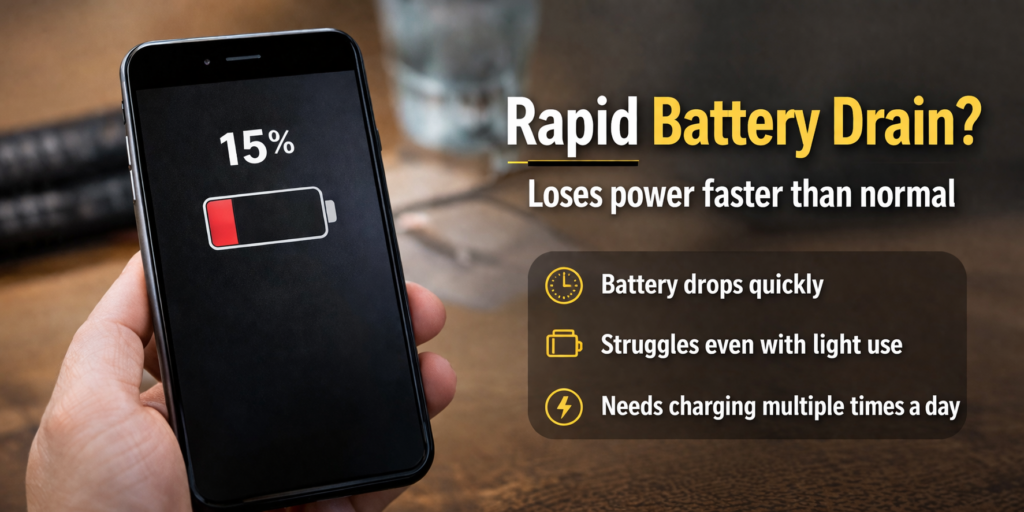
Fast drain is usually the first noticeable sign. But not all drain means failure.
A healthy phone should last most of the day:
- Flagship → 5–7 hours
- Mid-range → 4–6 hours
- Budget → 4–5 hours
If you’re getting under 3 hours, that points to battery performance decline. Standby matters too. A normal phone loses about 1–2% per hour. If it’s dropping 4–5% without use, the battery is likely not holding charge properly.
To tell the difference:
- One app using most battery → app issue
- Drain spread across system → battery degradation
| 02 | Why does my phone shut down before reaching 0%? |
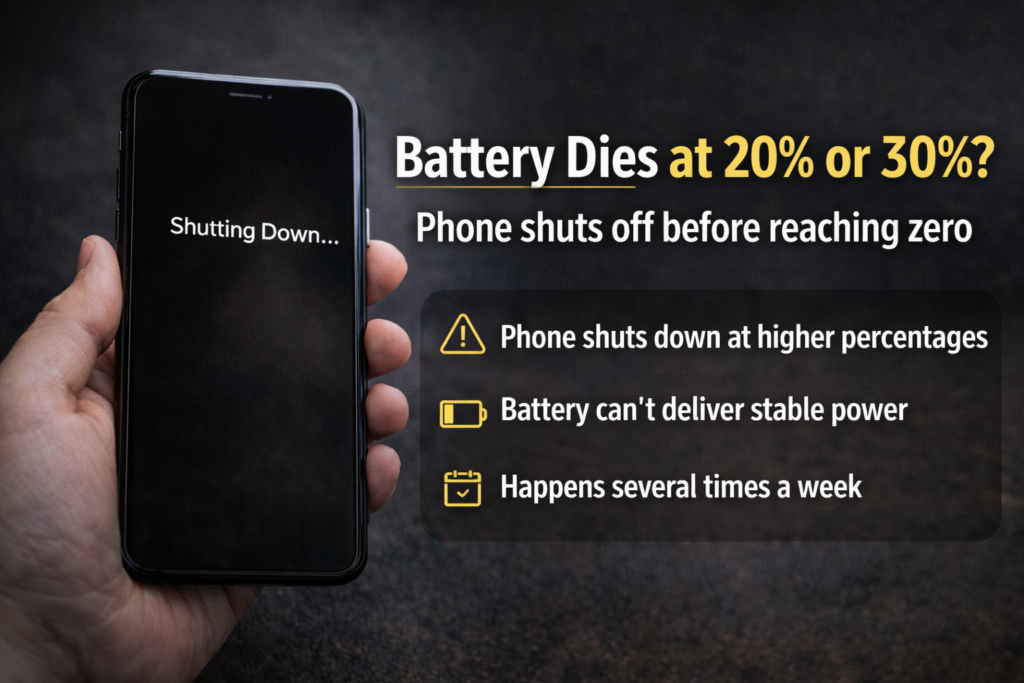
If your phone dies at 20% or even 30%, that’s not normal. It’s one of the clearest signs something’s wrong with the battery.
What’s actually happening
The phone isn’t really out of charge. It just can’t deliver stable power anymore. As the battery ages, it struggles under load. Open an app, play a video, and the power drops suddenly. The phone shuts down to protect itself.
Can recalibration fix it?
Not really. Old advice about draining to 0% doesn’t fix modern batteries. It only resets the percentage display.
You can try:
- Let it drop to around 5%
- Charge to 100% without interruption
- Restart the phone
If shutdowns continue, the battery is already degraded.
When to act
- Once a week → monitor
- Few times a week → battery is weakening
- Every day → replace it
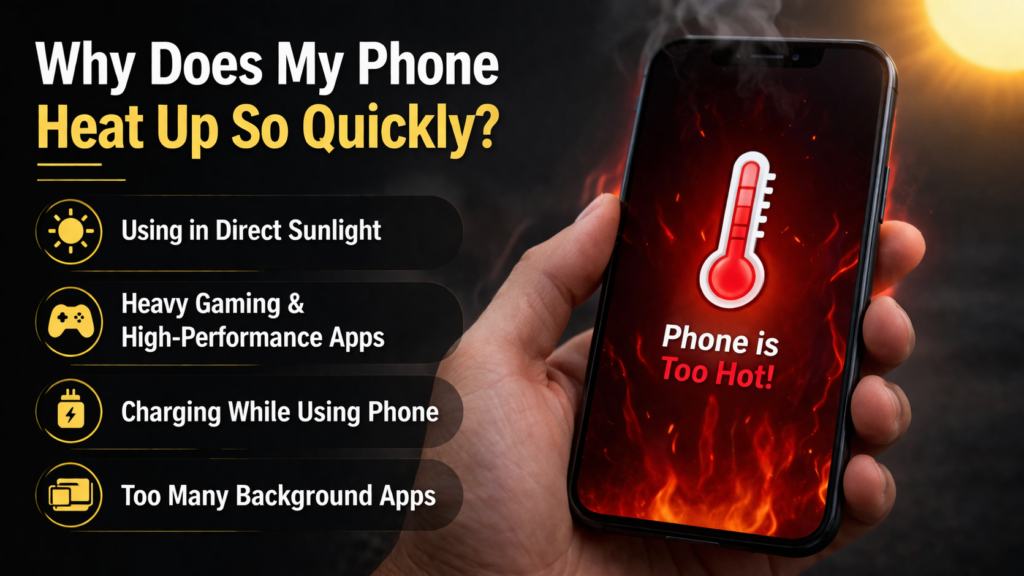
| 03 | Is overheating a sign of battery damage? |
Heat isn’t always a problem. But patterns matter.
Some warmth is normal:
- Gaming or video
- Charging
But this isn’t:
- Heating during basic use
- Staying warm when idle
- Constant heat throughout the day
That usually points to battery degradation.
Watch for these signs:
- Heating while charging with a proper cable
- Device warm even when not in use
- Temperature increasing over time
This often comes with battery swelling symptoms or reduced capacity.
If you also notice:
- Back panel lifting
- Screen slightly raised
- Phone feeling thicker
Stop using it. Don’t charge it. Get it checked immediately.
| 04 | Why is my battery percentage jumping randomly? |
If your battery shows 50%, drops to 40%, then jumps back up, that’s not normal. It’s one of the clearer smartphone battery issues.
What’s causing it
The phone estimates charge based on battery behaviour. When the battery wears out, those readings stop being stable.
You’ll see:
- Sudden drops without use
- Percentages going up after a restart
- Bigger jumps when battery is low
That’s usually battery degradation, not a glitch.
Battery issue or just a bug?
A glitch is occasional. It fixes itself. A battery problem is consistent.
- Happens daily
- Worse under load
- More noticeable below 40%
If your phone is older (2–3 years), it’s almost always the battery. If it’s new, then check warranty.
| 05 | Why is my phone charging very slowly? |
Slow charging isn’t always the battery. Check the basics first.
What to rule out first
- Faulty cable or plug
- Dirty charging port
- Weak power source
These are common and easy to fix.
When it’s actually the battery
If everything else is fine and it’s still slow, the issue is internal.
You’ll notice:
- Charging takes much longer than before
- No improvement with different cables
- Wireless charging is slow too
That usually means the battery is not holding charge properly.
What’s happening inside?
As the battery ages, it resists incoming power. So even with a good charger, it fills up slowly. A phone that used to charge in 1–1.5 hours taking 3 hours is a clear sign.
Does fast charging damage the battery?
Not on its own. The real problem is heat. Charging in hot conditions wears the battery faster.
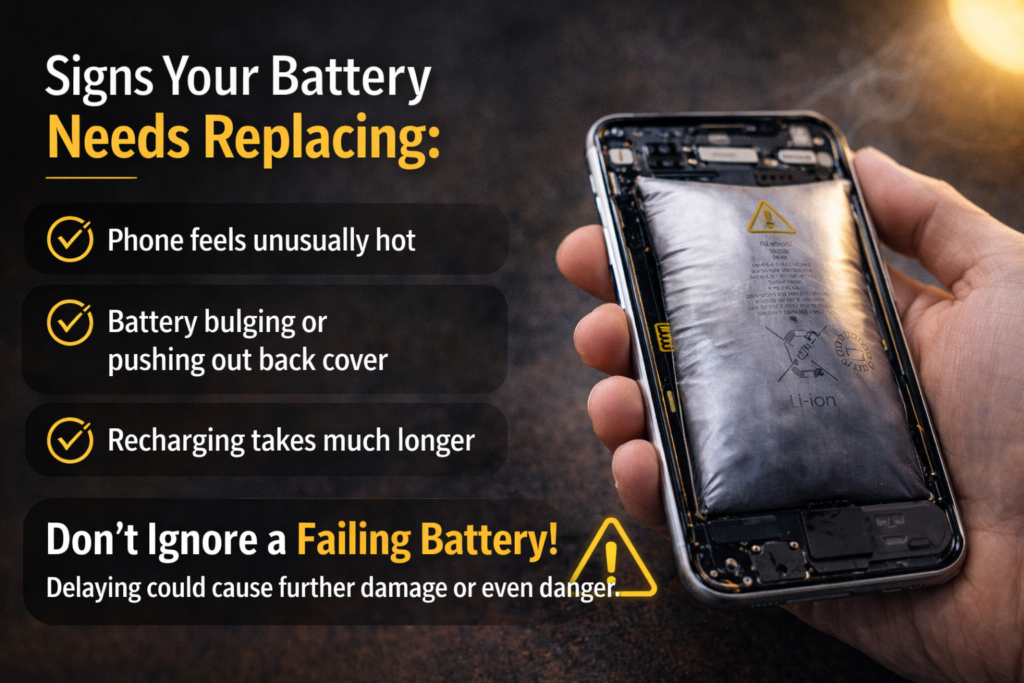
| 06 | What does a swollen battery look like and how dangerous is it? |
This isn’t just a battery issue. It’s a safety risk.
How to spot it
You don’t need to open the phone.
- Place it on a flat surface → if it wobbles, something’s wrong
- Screen lifting slightly from the frame
- Back panel bulging
- Phone feels thicker than before
These are clear battery swelling symptoms.
What to do immediately
- Stop charging it
- Power it off if you can do it safely
- Don’t press, bend, or try to fix it
- Keep it in a cool, open space
- Take it to a repair shop
Don’t ignore it. Swelling can lead to overheating or worse.
| 07 | Can a bad battery actually make my phone slow or laggy? |
Yes. Absolutely yes. And this is the one indicator that surprises people most. They assume a slow phone needs more storage or a factory reset. Often, the real answer is a battery replacement.
What’s happening
When the battery wears out, it can’t deliver power properly. To avoid shutdowns, the system limits performance.
You’ll notice:
- Apps opening slower
- Lag when switching tasks
- Delayed response
This is battery performance decline, not just ageing hardware.
Does replacing the battery help?
In many cases, yes. A fresh battery restores stable power. That often brings performance back to normal levels. Not every slow phone needs replacing. Sometimes it just needs a new battery.
How can I check my phone battery health step by step?
You don’t need technical skills. Most phones show battery health in settings. Takes less than a minute.
iPhone
- Settings → Battery → Battery Health & Charging
- Check Maximum Capacity
100% = new
Below 80% = battery health dropping
Android (Samsung)
- Settings → Battery and Device Care → Battery
- Check Battery Status / Health
Android (other phones)
- Dial *#*#4636#*#* (if supported)
- Or use apps like AccuBattery
Best tools (quick comparison)
| Tool | Platform | Best For |
| Settings (Built-in) | iPhone / Samsung | Quick battery check |
| AccuBattery | Android | Real capacity tracking |
| Ampere | Android | Charging speed check |
Should I replace my battery or just buy a new phone?
This comes down to cost vs lifespan. In most cases, battery replacement cost is low compared to buying a new device. If the phone still works fine, replacing the battery is usually the smarter move.
When replacing the battery makes sense
- Phone is under 4 years old
- No major hardware issues
- Battery health dropping but device still usable
- You just want normal performance back
A new battery can fix smartphone battery issues and extend life by 1–2 years.
When buying a new phone is the better option
- Device is 5+ years old
- No more software updates
- Multiple issues (camera, charging port, speaker)
- Battery drains fast even after fixes
At that point, replacing the battery only delays the upgrade.
| Option | Cost Range | Best When |
| OEM Battery Replacement | £40 – £80 | Phone under 4 years old |
| Third-party Replacement | £15 – £45 | Budget-conscious + under 4 yrs |
| DIY Replacement | £10 – £30 | Tech-savvy users only |
| New Budget Phone | £150 – £300 | Phone is 5+ years old |
| New Flagship Phone | £700 – £1,400 | Multiple hardware failures |
One thing people ignore
Cheap batteries can cause more problems.
Poor-quality replacements often lead to:
- overheating
- faster drain
- swelling within months
If you replace it, use a reliable part. Otherwise, you’re back to the same problem.
How much does a mobile battery replacement cost in 2025?
Costs vary by device, but in most cases, battery replacement cost is still far cheaper than upgrading your phone.
Typical prices (UK)
| Brand / Device | Official Service Cost | Third-Party Cost |
| iPhone 15 Series | £80 – £100 | £40 – £70 |
| iPhone 13 / 14 | £70 – £90 | £35 – £60 |
| Samsung Galaxy S24 | £70 – £100 | £40 – £65 |
| Google Pixel 8 | £60 – £90 | £35 – £55 |
| OnePlus / Xiaomi | £40 – £70 | £20 – £40 |
| Budget Android | £20 – £40 | £10 – £25 |
OEM vs third-party
- OEM → more reliable, includes warranty
- Third-party → cheaper, depends on quality
If you choose third-party, avoid low-quality parts. Poor batteries often lead to smartphone battery issues like overheating or fast drain again.
What battery myths are completely wrong and actually hurting your phone?
A lot of common advice sounds right. It isn’t. Some habits make battery degradation worse without you realising.
Myth 1: You should always charge to 100%
Not necessary. Keeping it at full charge all the time puts more stress on the battery.
Staying roughly between 20–80% helps reduce wear over time. Most newer phones already manage this in the background.
Myth 2: Closing apps saves battery
It doesn’t. Apps in the background use very little power. Closing them forces the phone to reload everything again, which can use more energy.
Myth 3: Charging overnight damages the battery
Not really. Phones stop charging once they hit 100%. The real issue is heat. If the phone gets warm while charging overnight, that’s what speeds up battery performance decline.
Simple fix:
- Don’t cover the phone while charging
- Avoid hot environments
How can I extend battery life and reduce wear before replacement is needed?
You can’t stop battery ageing. You can slow it down.
Charging habits that actually help
- Keep it roughly between 20–80%
- Don’t leave it at 100% for long
- Avoid charging in hot conditions
- Use slower charging when you’re not in a rush
These habits reduce battery health dropping over time.
Settings that make a real difference
- Turn off 5G when signal is weak
- Lower brightness slightly
- Disable Always-On Display if not needed
- Limit background location for apps
- Use Battery Saver below 30%
Small changes, but they reduce power consumption problems daily.
What common mistakes are people making that accelerate battery degradation?
Most damage comes from habits, not the phone itself.
The biggest mistakes
- Using cheap or unstable chargers
- Charging while the phone is trapped in heat (inside cases, under pillows)
- Letting the battery drop to 0% regularly
- Leaving the phone in direct sunlight (cars are the worst for this)
These speed up battery degradation faster than normal use.
What it leads to
Do this often and you’ll notice:
- Battery drains faster
- Phone heats up more
- Overall mobile battery lifespan drops quickly
In some cases, it cuts battery life almost in half.